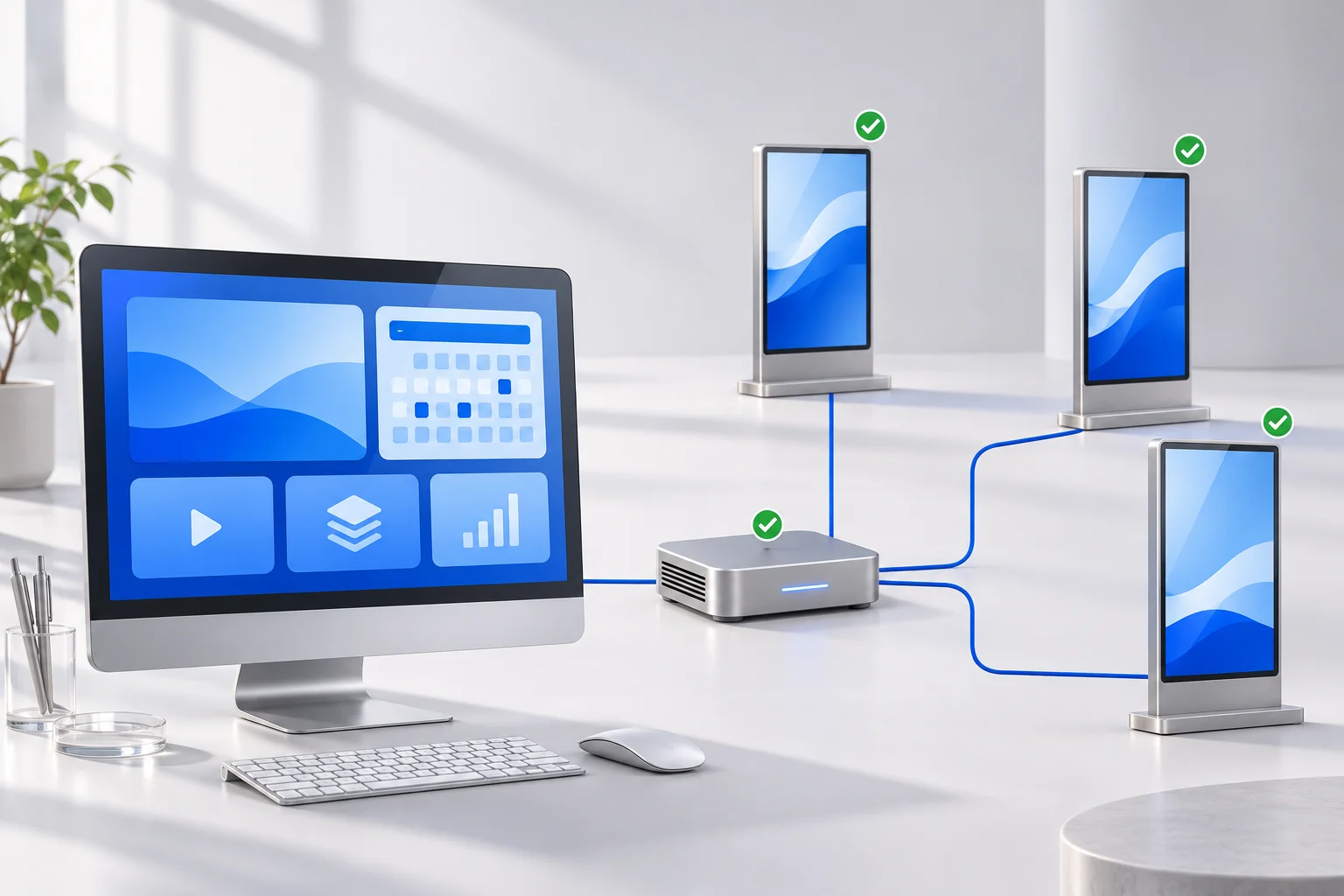
A digital signage content management system helps turn individual screens into a managed advertising network. For a media operator, uploading a video is only one task. The same team also needs to target the right devices, control campaign dates, detect interruptions and explain what was delivered.
Use this checklist when evaluating a CMS and its supported media players. Features vary between platforms, plans and operating systems. Ask for a demonstration on the actual hardware configuration rather than assuming every advertised capability is available on every device.
Organise devices around the inventory you sell
Create a clear naming convention for country or region, venue, building and screen position. Record the device serial number, player configuration, installation date and support contact. Grouping should reflect how campaigns are booked, while still allowing an individual screen to be identified quickly.
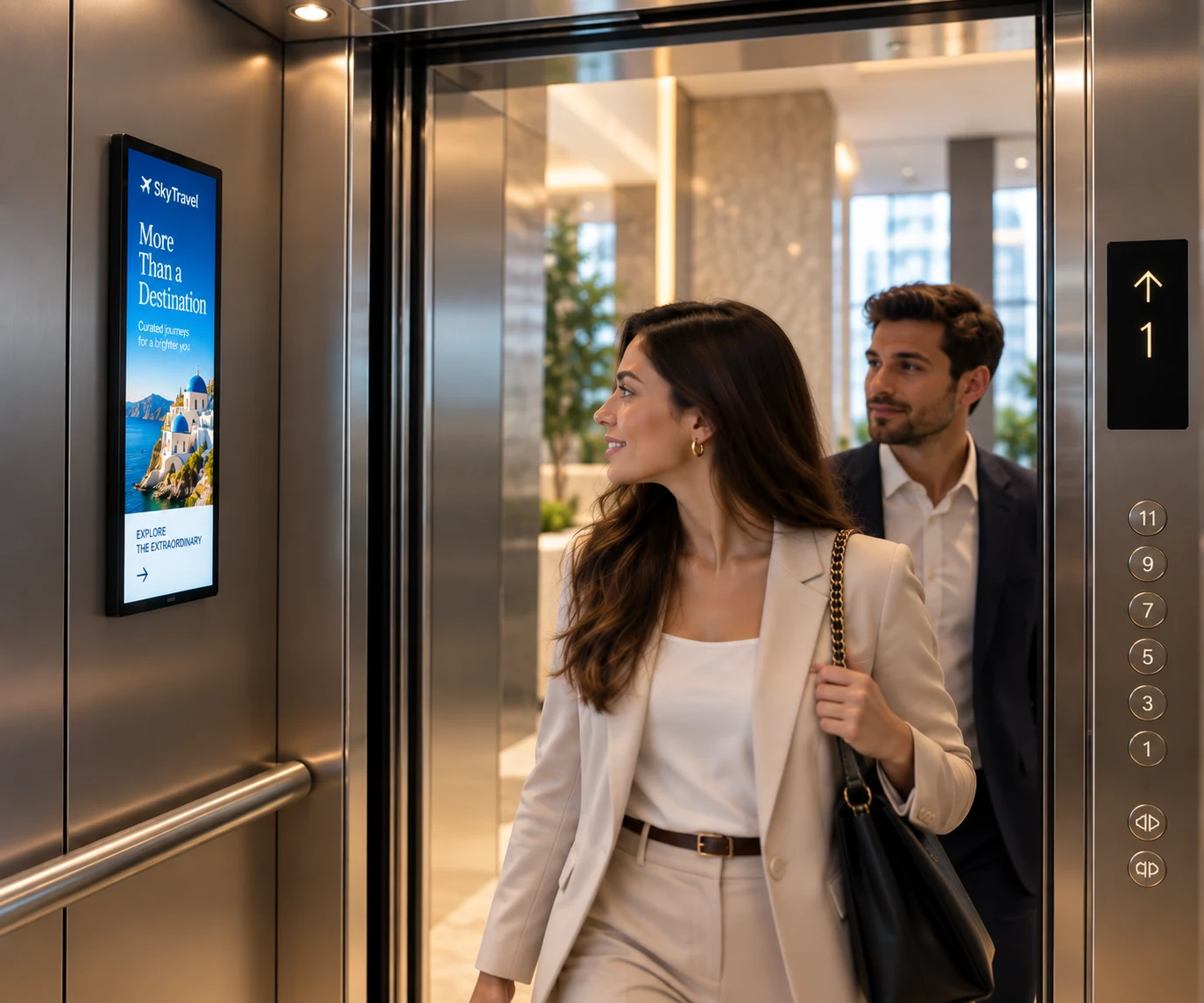
Test whether the CMS can apply a campaign to a group and whether exceptions are easy to review. A screen in a reception area may need different hours or venue content from a screen in an elevator cabin at the same property. Avoid using a single playlist as the only record of a complex network’s rules.
Test scheduling beyond the happy path
Demonstrate a campaign that starts and ends on specific dates, runs only during agreed hours and uses the correct local time. Check what happens when two schedules overlap. Establish whether venue information, emergency or priority messages can interrupt the advertising loop and how that interruption appears in reporting.
Write down the content rules: orientation, resolution, supported formats, file size and maximum duration. Preview creative before distribution, then confirm it on a representative device. A correct file in the library does not prove that every target screen has received it.
Check local playback and interruption recovery
Ask whether approved content is downloaded to the player and can continue locally during a network interruption. Test with a controlled disconnection during the pilot. Observe what is shown, what the platform reports, and how the device resynchronises when the connection returns.
Also test recovery after power is restored. Define a fallback playlist for cases where a scheduled campaign is unavailable or has expired. These behaviours depend on the selected platform and player; document the observed result instead of promising uninterrupted operation without testing.
Separate proof of play, screen health and audience measurement
Proof-of-play records help report playback events. They do not, by themselves, establish how many people saw an advertisement. The IAB’s discussion of proof of play explains why playback logs and evidence of a functioning display are different checks.
Define which records the advertiser receives, the time zone used, how long logs are retained and how missed delivery is handled. If audience estimates are offered, state the methodology separately. Use the IAB DOOH Measurement Guide as an industry reference when agreeing the meaning of reported metrics.
Give each operator the access they need
Separate content preparation, campaign approval and system administration where the platform supports those roles. Review who can publish to the entire network and who can change device configuration. Include staff changes in the access review process so the list of active accounts remains accurate.
Confirm what audit history, authentication options and account recovery procedures are available. If the project includes cameras or audience analytics, assess the data flow, retention and applicable local requirements before enabling them. A content scheduling project does not automatically require audience analytics.
Make fault handling a daily operating task
Decide who checks device status, who investigates an alert and who can arrange an on-site visit. A remote support ticket should include the location, model, serial number, time of the issue, recent changes and useful photographs or a short video. Keep spare parts and qualified local technical support in the operating plan where appropriate.
For Eastidea equipment, read the support and warranty FAQ and the applicable SLDA. Clarify the boundary between hardware support, software support and the venue’s network or power responsibilities during handover.
Approve the workflow before adding more screens
Run a sample campaign from creative approval to final report. Include a schedule change, a connection interruption and a support request. Record how each step was handled. Once the process is repeatable, use the same acceptance checklist for the next batch of devices.
Planning a new network? Read our indoor advertising network roadmap and explore Eastidea’s hardware and software solutions.