An indoor advertising media network brings together locations, professional displays, content software and a repeatable way to sell and deliver advertising. The screen is the visible part. The operating model behind it determines whether the network can grow.
This guide outlines a practical starting point for an operator planning screens in elevator lobbies, residential buildings, offices, retail or other indoor venues. Treat it as a project planning framework: audience behaviour, building access and installation conditions need to be checked locally.
Start with a clear venue proposition
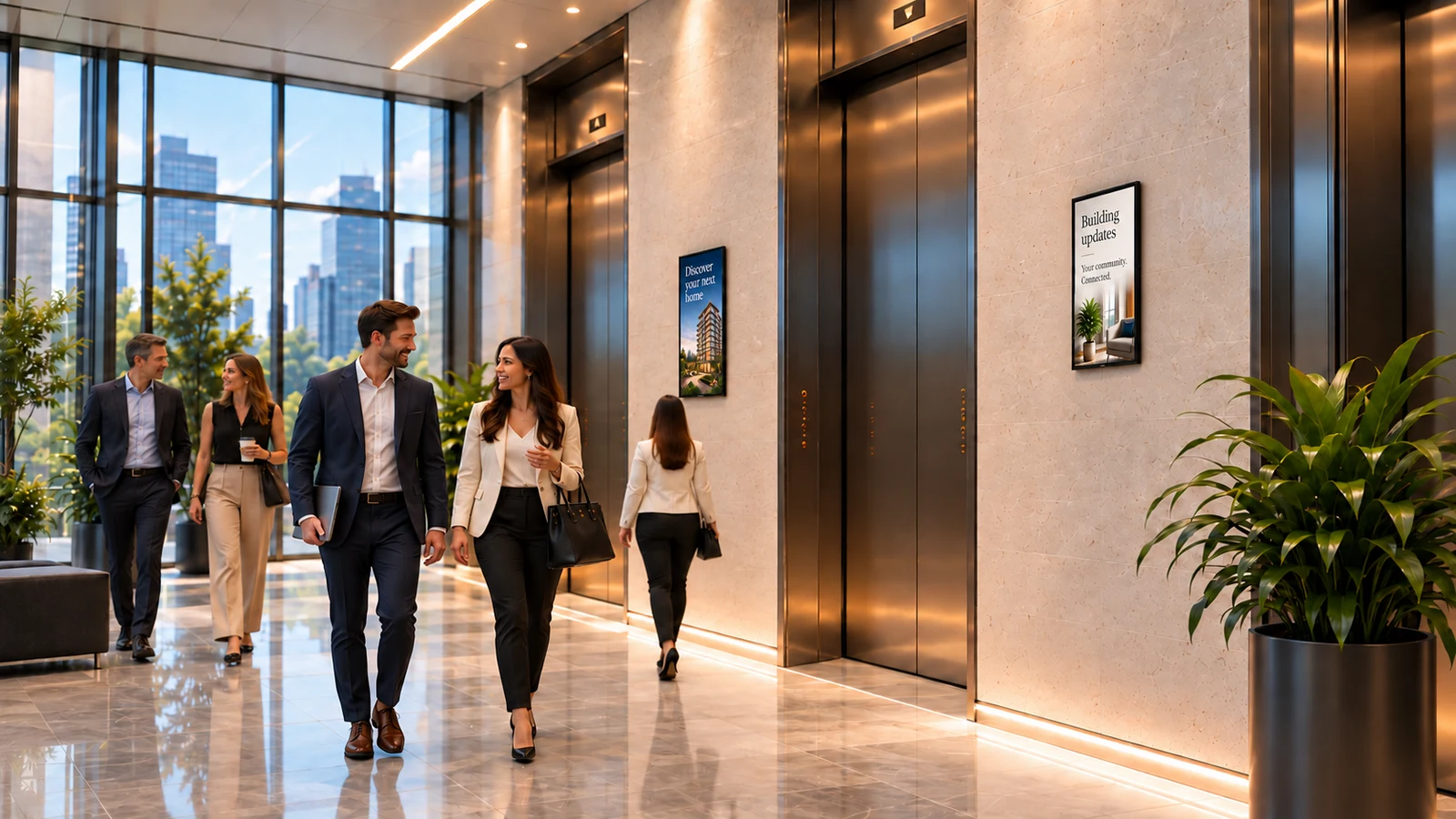
Choose an initial venue type and a defined geographic area. A tightly managed group of similar locations is easier to survey, service and explain to advertisers than a scattered mix of unrelated screens. Describe who visits, why they are there, where a display can be seen and how long a useful viewing opportunity lasts.
Before ordering equipment, agree with the building or venue operator who authorises the placement, supplies power and connectivity, approves content and provides maintenance access. Clarify any revenue share or fixed location fee. Keep the permission and access arrangements with the site record.
Survey the location before choosing hardware
Record the mounting surface, available dimensions, normal viewing distance, ambient light, reflections, ventilation and power connection. Take photographs from the audience’s position, not only from directly in front of the proposed screen. Check the location at different times if sunlight or occupancy changes significantly.
- Elevator cabins: assess available wall space, safe mounting, moving surfaces and access for servicing.
- Lobbies and reception areas: check sightlines, queue positions and competing signs.
- Retail and public indoor venues: test whether the content can be understood while people are moving.
Professional installation planning should involve the venue’s authorised technical team. Equipment and cabling must suit the building and must preserve required access and clearances.
Match the display format to the viewing opportunity
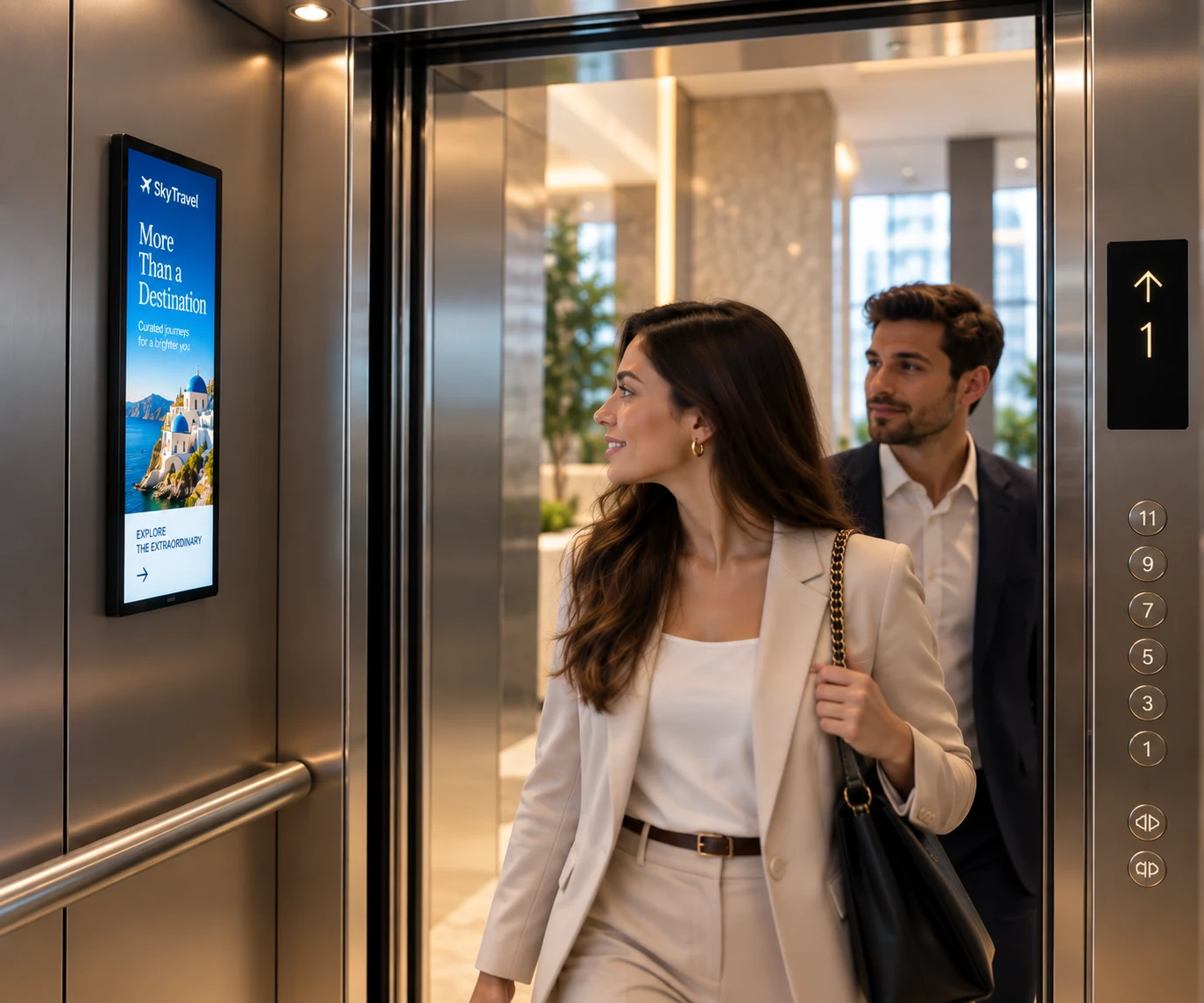
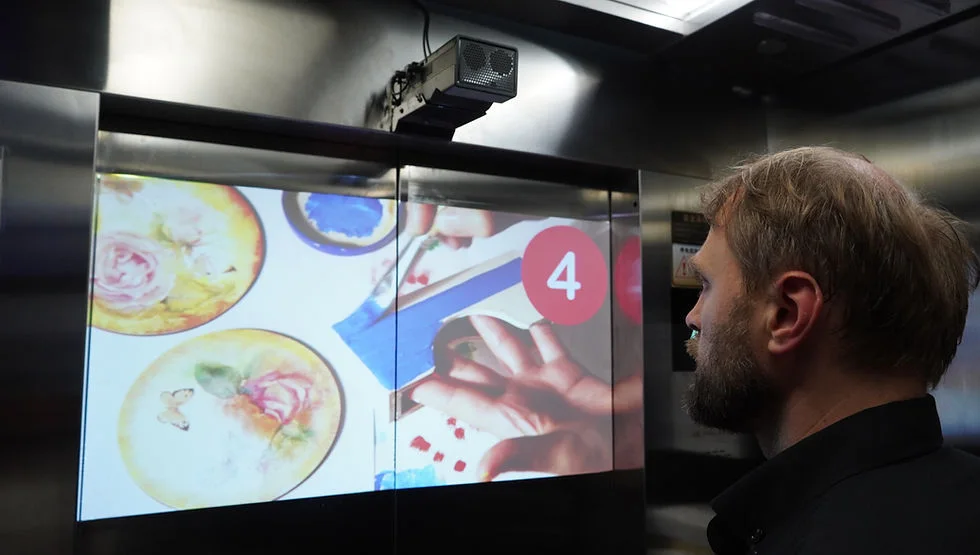
A compact display can suit a confined cabin; a portrait format may fit a lobby wall; a larger display can be more appropriate for a spacious reception area. Projection can create a different visual experience where the surface and lighting are suitable. Verify the actual image at the location instead of choosing by diagonal size alone.
Consider the entire device: enclosure, mounting, media player, connectivity, cooling and service access. Standardising on a small number of configurations can simplify spares, training and content production. Our guide to screens and projection explains the main trade-offs.
Build the content and reporting workflow
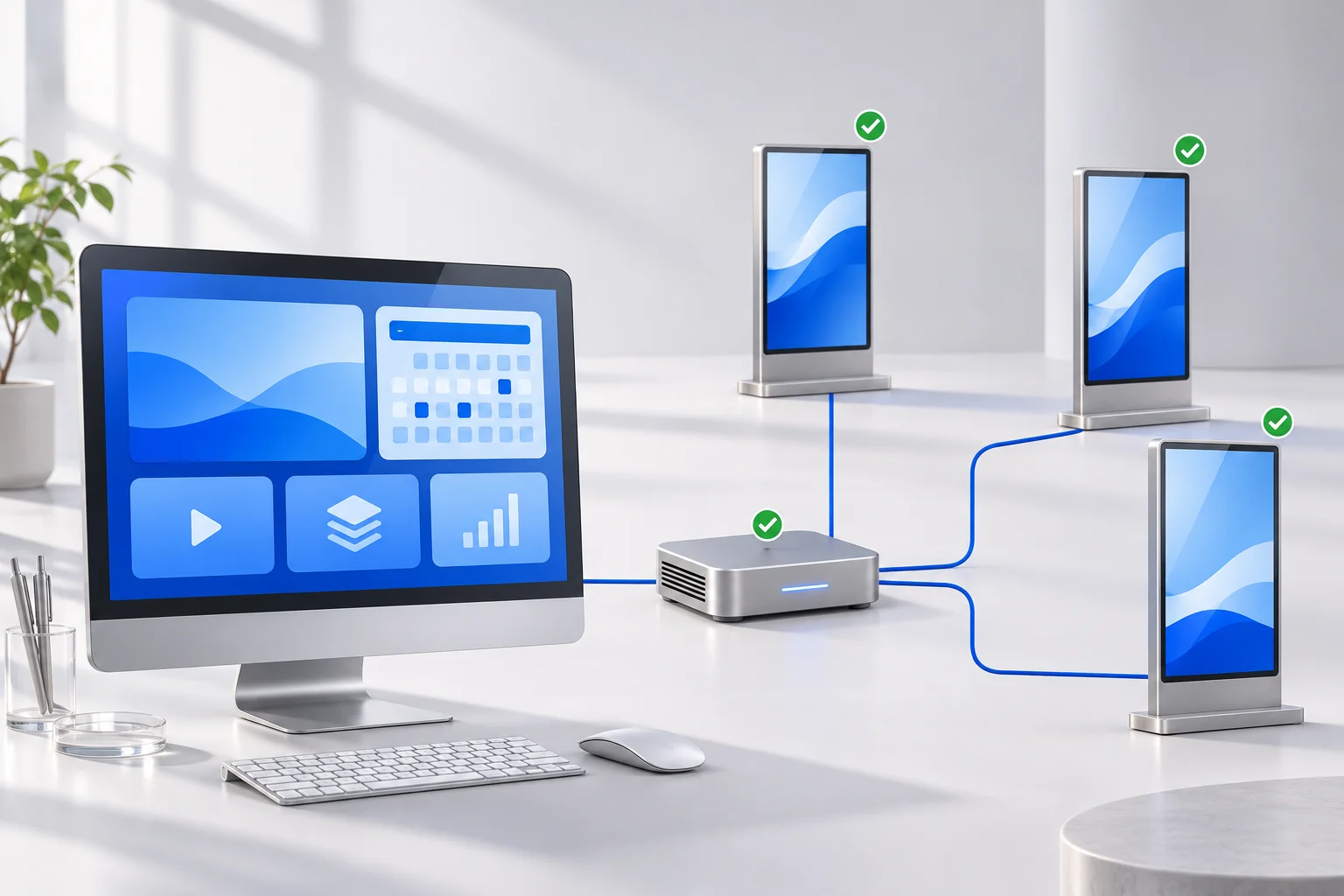
Specify how campaigns will be uploaded, approved, scheduled, cached and removed. Define screen groups by venue and location so the right campaign reaches the intended inventory. Establish who checks device status and who investigates an interruption. Test these tasks during the pilot with the people who will actually operate the network.
Keep three measures separate: an ad play, a device being operational and an audience exposure. The IAB DOOH Measurement Guide provides an industry framework for evaluating exposure and performance. A player log alone should not be presented as a count of people who saw an advertisement.
Test the commercial model with explicit assumptions
Build a simple monthly budget covering the location fee, connectivity, software, electricity where applicable, maintenance reserve, content production and sales. Separate the initial installation investment from recurring operating costs. Model conservative demand before using a fully sold advertising loop as the basis of a forecast.
Illustrative capacity example: a two-minute loop containing six 20-second positions has six positions per cycle. If one position is assigned to venue information, five remain for advertising. This describes scheduling capacity only; it does not establish audience reach, revenue or a guarantee of delivery.
Scale after the pilot becomes repeatable
Before expanding, review image readability, content approval time, connection stability, fault handling and the advertiser’s reporting expectations. Document a standard installation checklist, a handover record and a support process. Keep enough flexibility to reject an unsuitable location even if it looks attractive commercially.
Eastidea supplies hardware and software solutions for indoor and elevator advertising networks. A useful first brief includes the venue type, location photographs, proposed screen count, operating hours and connectivity requirements. Explore indoor media network solutions or discuss your pilot with us.