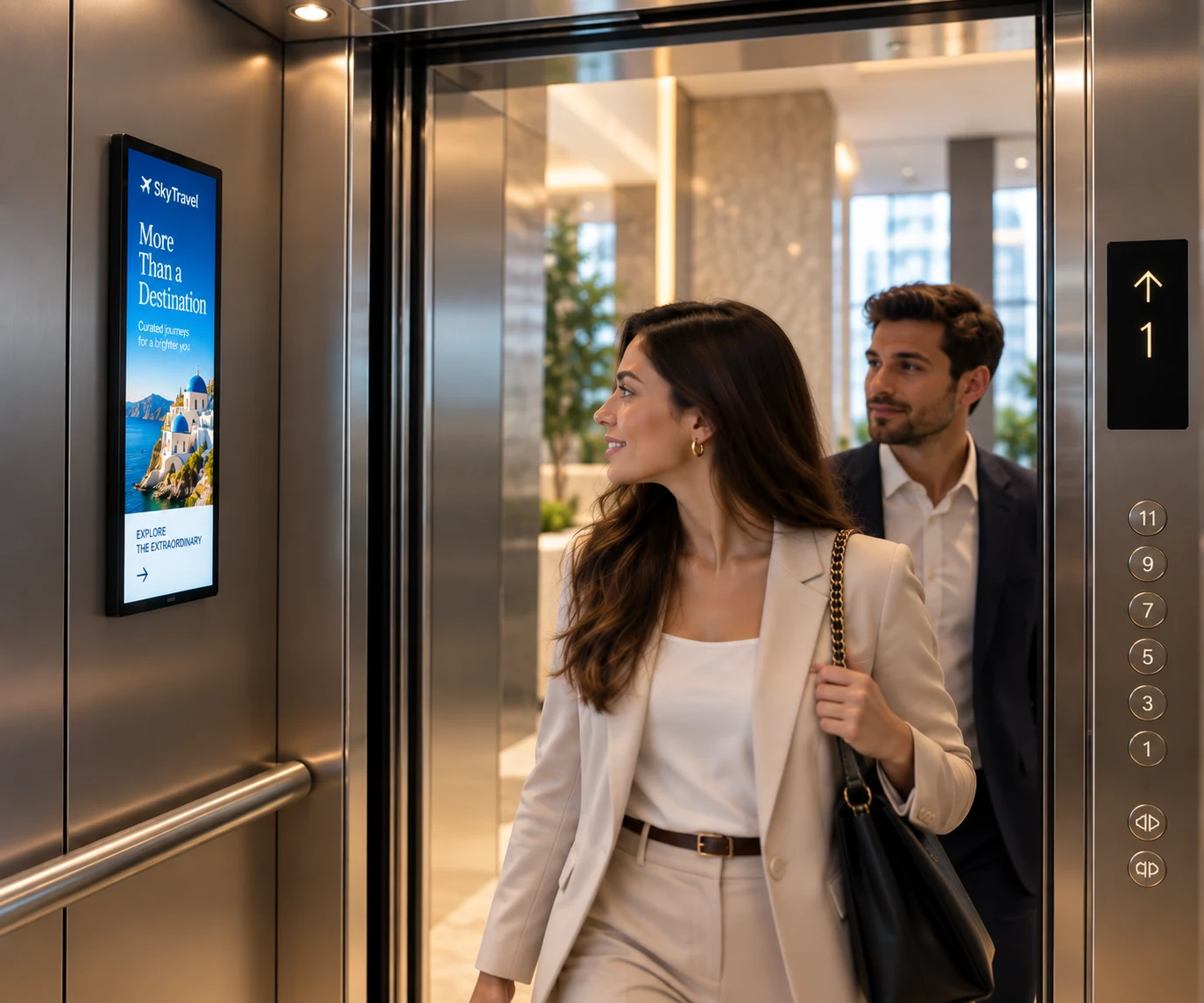
Elevator advertising can use a dedicated display, a dual-screen format or projection onto a suitable surface. Each changes how the installation fits into the space and how the audience encounters the content. The right choice starts with the location and operating conditions.
This comparison is intended for media owners and project teams planning a deployment. It describes selection criteria rather than a universal recommendation. Confirm the specification, mounting method and support requirements for the exact device offered for your project.
Compare the actual viewing conditions
Visit the cabin or lobby and observe where people stand. Check the normal viewing distance, how long the content remains in view and whether people or fixtures obstruct it. A physically large image is useful only if its main message can be recognised from those positions.
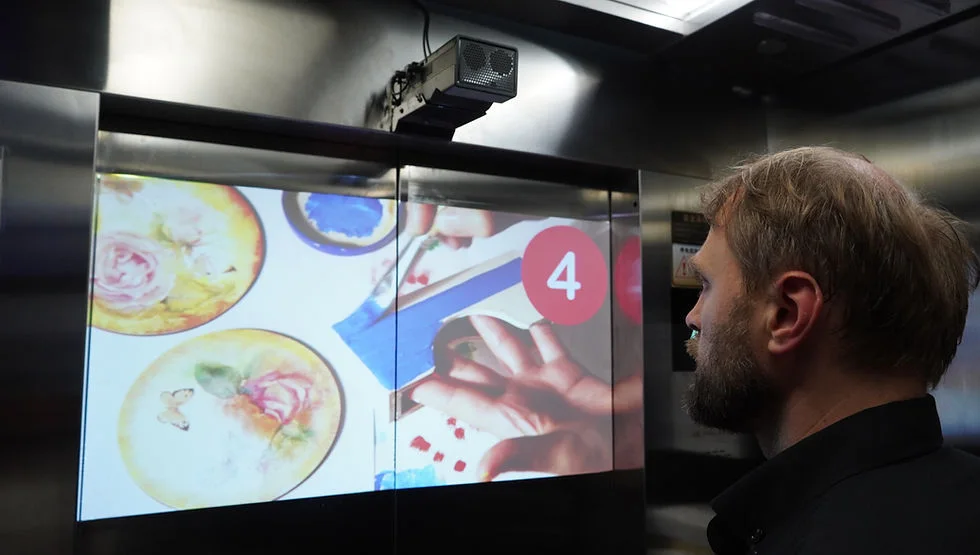
For projection, test the real surface under normal cabin lighting. Surface colour, finish, seams and reflections can affect the result. For displays, check reflections on the cover glass, the viewing angle and whether the selected brightness suits the environment. Neither option should be selected solely from a photograph of another installation.
Understand what each format asks of the site
| Selection factor | Professional display | Ultra-short-throw projection |
|---|---|---|
| Image surface | The device provides the screen surface. | The quality of the installation surface is part of the image system. |
| Available space | Check enclosure dimensions, mounting and service access. | Check mounting geometry, projection path and the usable image area. |
| Ambient light | Select and test an appropriate display configuration. | Test contrast and readability under normal lighting before approval. |
| Content design | Design for the device’s native resolution and orientation. | Design and test for the projected area, surface and any operating triggers. |
| Service planning | Allow access to the player, connections and cooling path. | Allow access for alignment checks, cleaning and device servicing. |
Choose the mounting and power arrangement together
Consider mounting, cabling, ventilation and power as a single installation plan. An otherwise suitable device may become difficult to service if its connections are inaccessible. Check that cables are protected and that the authorised installation team can reach the equipment safely.
When projection uses the elevator doors as the image surface, agree how the content behaves during door movement and opening. Any sensing or playback behaviour depends on the selected system and configuration; test it as part of commissioning. Obtain the building operator’s approval before installation.
Design content for a short, shared viewing moment
Use one clear message at a time. Make the brand, offer and next step readable at the normal distance. Keep essential text away from door seams and other interruptions in the visible surface. Avoid relying on audio to explain the advertisement.
Prepare test creative in the exact orientation and resolution required by the device. Review it in the real cabin or lobby, with the normal lighting and door cycle. If a QR code is part of the campaign, test scanning from a realistic position and allow enough time for the action.
Plan the operating schedule and maintenance
Different devices can have different operating limits. Specify daily playback hours, rest periods, ventilation and the expected ambient temperature when requesting a proposal. An equipment selection should include the operating schedule, not just a purchase price.
Eastidea’s warranty and support FAQ summarises the current SLDA, with the full document available to read. The applicable proposal and device documentation should be checked before deciding on a service plan. A support response target is not the same as a guaranteed repair completion time.
Approve a pilot against a written checklist
- Confirm the usable image size and readability at normal viewing positions.
- Check mounting, protected cabling, ventilation and maintenance access.
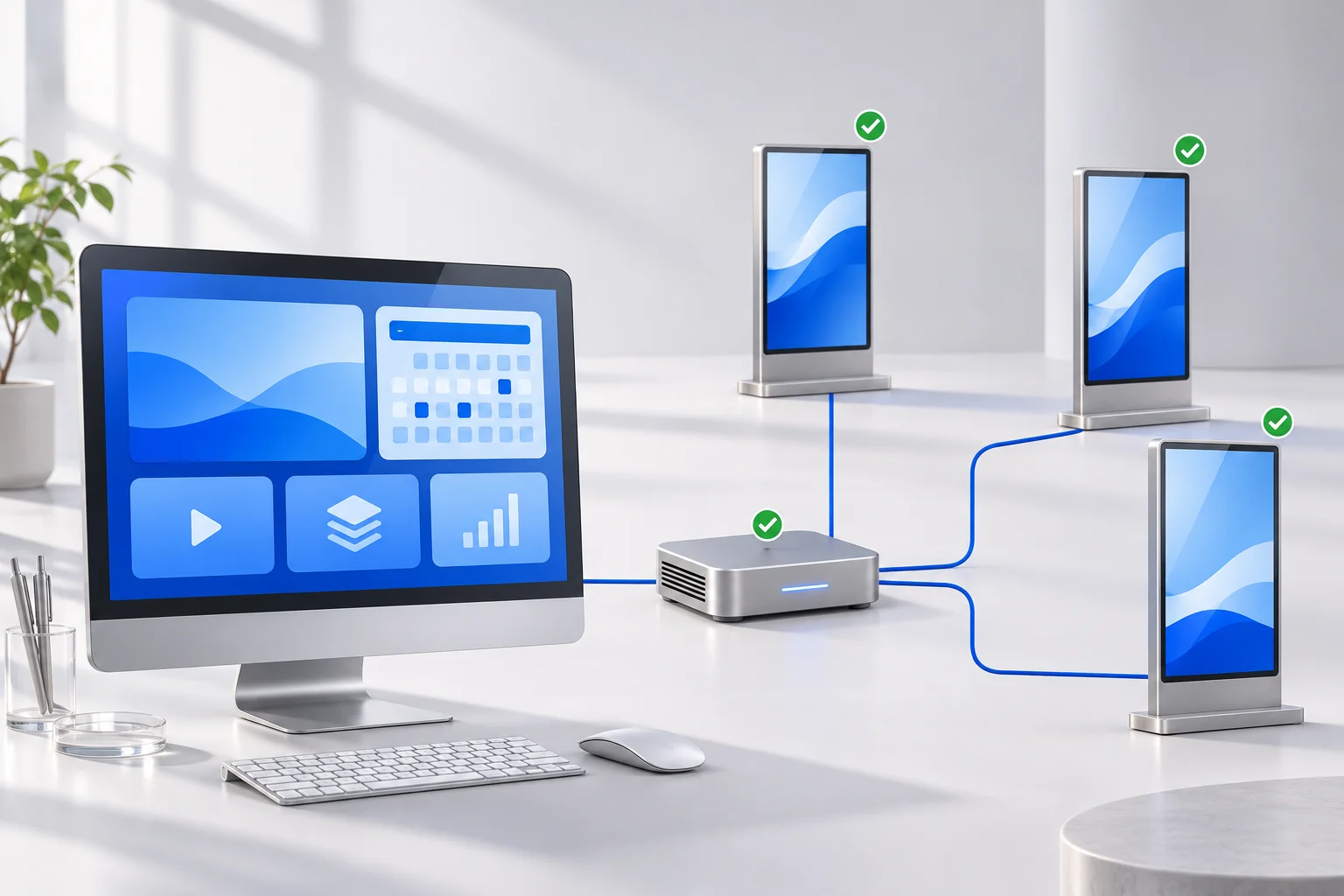
- Test campaign scheduling, local playback and recovery after a connection interruption.
- Test any configured door or playback triggers through repeated normal cycles.
- Record the final configuration, content format and support contacts at handover.
Compare options using your own site photographs and dimensions. Explore Eastidea’s projection solutions and elevator advertising displays, or send the location details to our team for a project-specific recommendation.