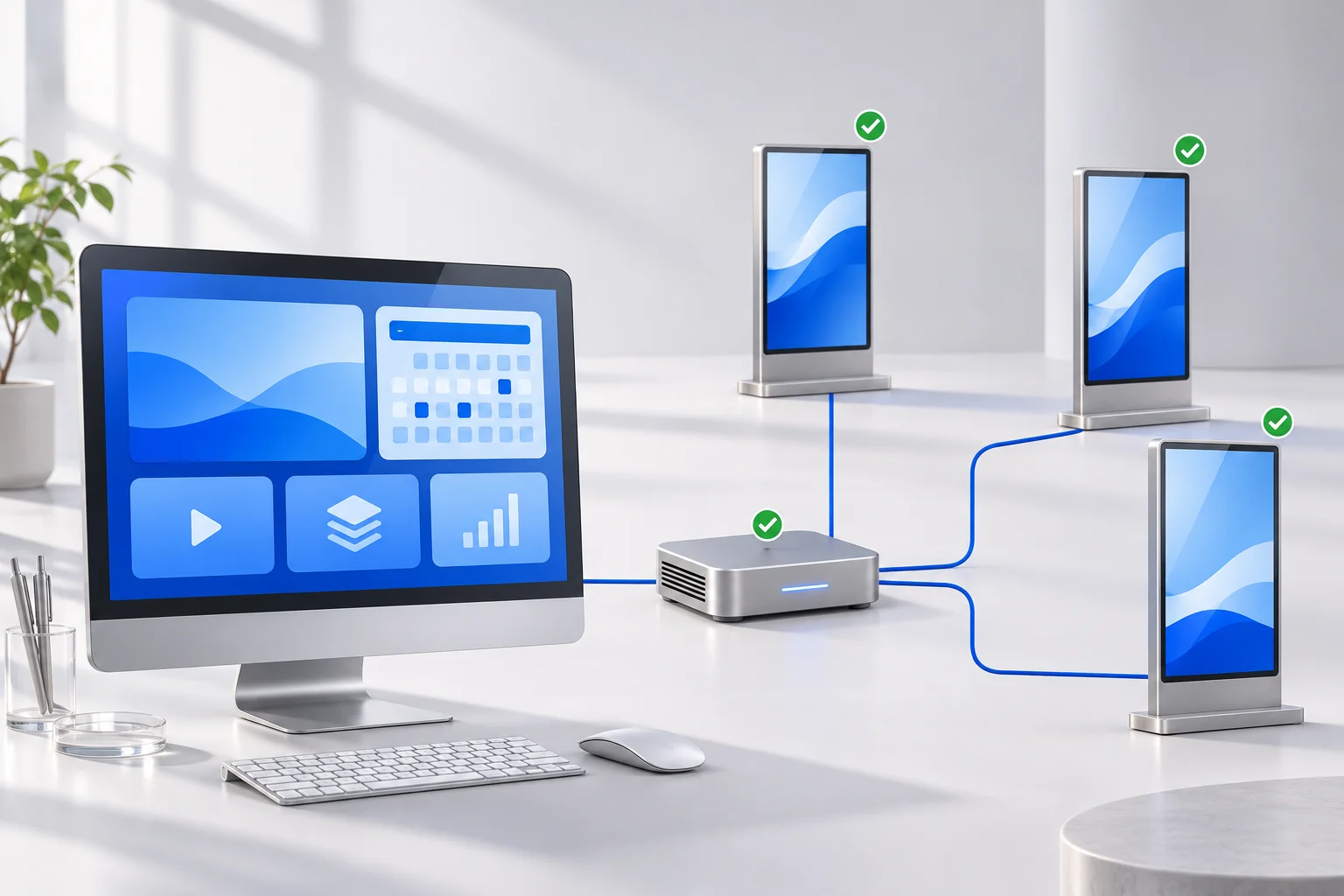
Office digital signage works best when each screen has a clear purpose. Reception instructions, meeting information, building notices and tenant-approved advertising need different locations and owners. Begin with what a person needs to know at that point in the building.
Separate communication roles
Reception may need arrival instructions; elevator lobbies may need building updates; shared areas may support internal announcements. Agree who can publish each type of message and how urgent notices take priority. Do not rely on a general advertising playlist for safety-critical instructions.
Fit the display to the workspace
Review viewing distance, lighting, reflections and the effect on nearby workstations. Use readable typography, restrained movement and appropriate brightness. A projection surface can create a different visual treatment, but neither projection nor a particular colour should be promoted as a medical or psychological treatment.
Choose equipment from the site conditions
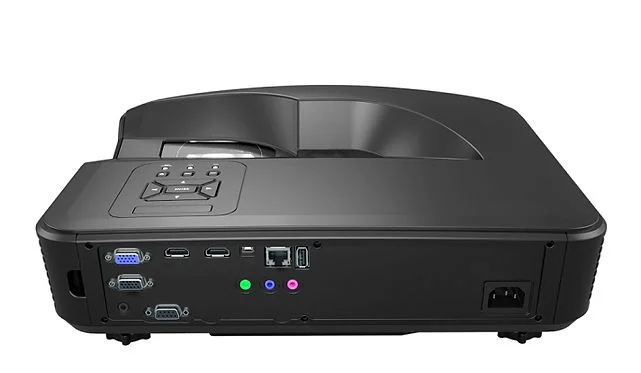
Assess wall or floor space, cable routes, heat, approved fixing points and maintenance access. Use projection where its surface, geometry and lighting are suitable; use a display where that better meets the brief. There is no universal claim that reflected projection light is more comfortable for every viewer.
Keep information current and accessible
Give each notice an owner and expiry date. Avoid conveying essential instructions only through colour, sound or animation. Preview content from seated and standing positions where relevant, and provide another route to information people need after leaving the screen.
Measure the service you intended
For workplace communication, success might mean fewer reception questions or timely notice updates. Advertising metrics are a separate matter. Set the objective before choosing analytics, and confirm any camera-based processing independently.
For current equipment and software, see Eastidea’s elevator and indoor media solutions. Device compatibility, licences and services are confirmed in the project proposal.