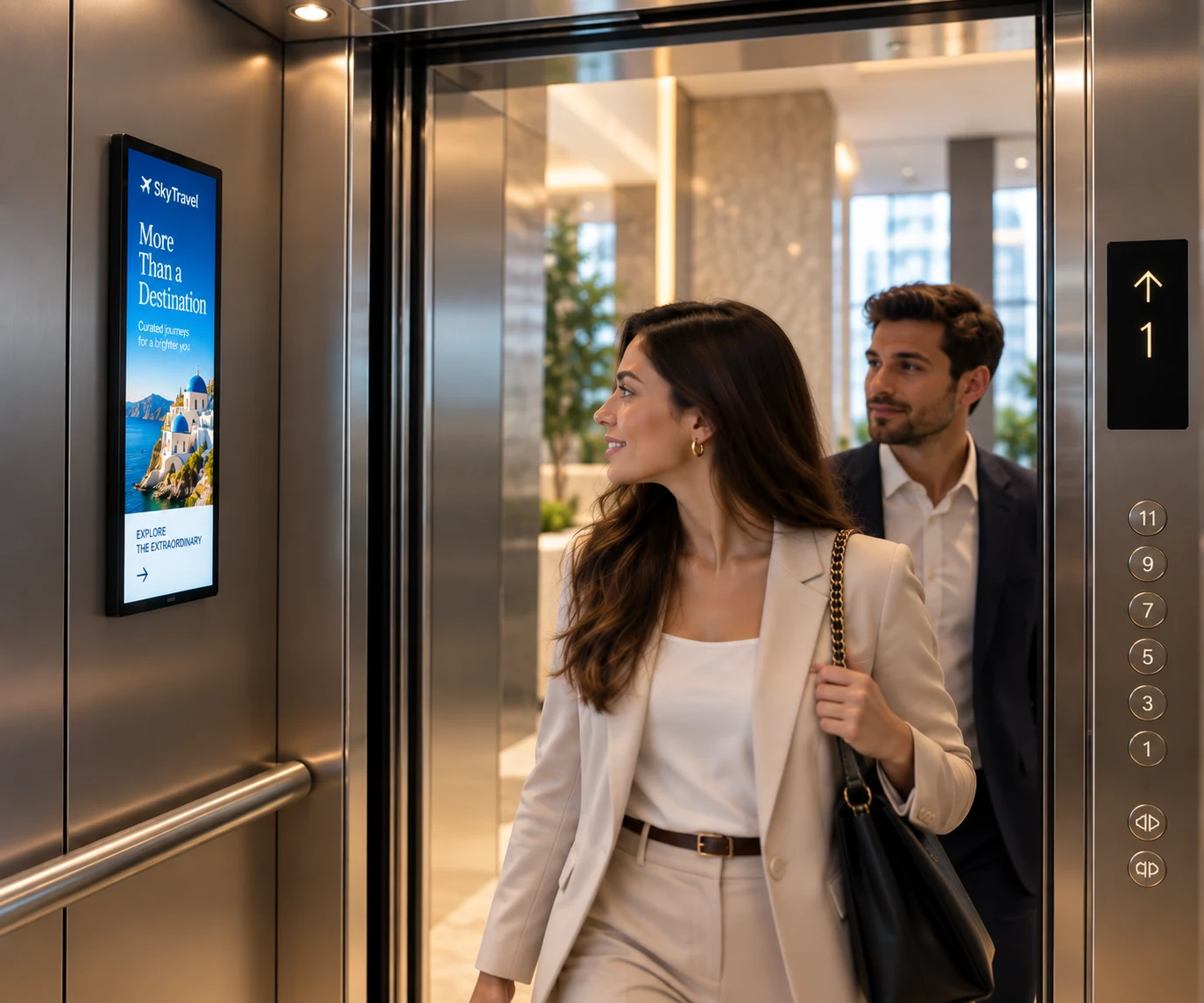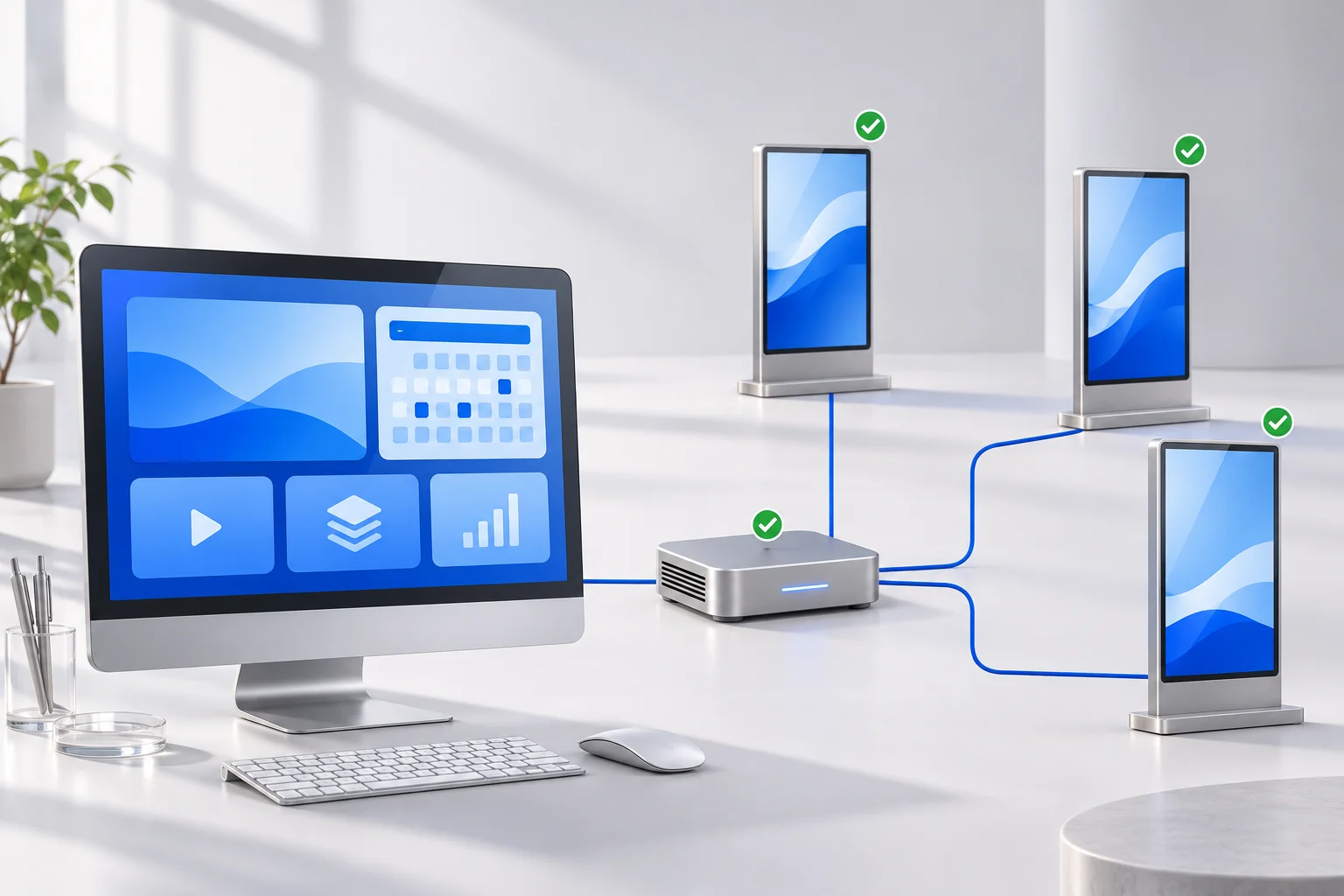
Retail digital signage can support product discovery, offers, wayfinding and store information. Start with the shopper’s task and the store’s operating process. A larger screen or a more elaborate video does not by itself improve sales.
Assign an owner for the content and the system
Identify who approves prices, offers and product availability, who schedules content and who responds to a device fault. These roles can be handled internally or through an agreed service. A particular job title is not a prerequisite; clear responsibility and a workable process are.
Match the message to the decision point
A window display needs a quick proposition readable from outside. An aisle display can explain a nearby product. Checkout media should suit the queue and avoid interfering with staff instructions. Keep the brand, product and action clear instead of using a generic commercial everywhere.
Specify the installation for the environment
Assess lighting, glare, distance, orientation, duty cycle, ventilation and service access. Compare equipment against these requirements rather than assuming every domestic television is unsuitable or every commercial display fits. Test representative content through any protective glass.
Keep offers accurate
Set an approval and expiry process for prices and promotions. Agree how staff report a mismatch between a screen and the till or stock. If the system uses a data feed, confirm its source, update behaviour and fallback when data is unavailable.
Evaluate the campaign without promising a sales uplift
Define delivery and response metrics, record other promotions and compare similar stores or periods where appropriate. A sales change during a campaign needs context. Start with a controlled pilot before making a wider claim about effectiveness.
Explore indoor displays, custom manufacturing and our CMS operations checklist.